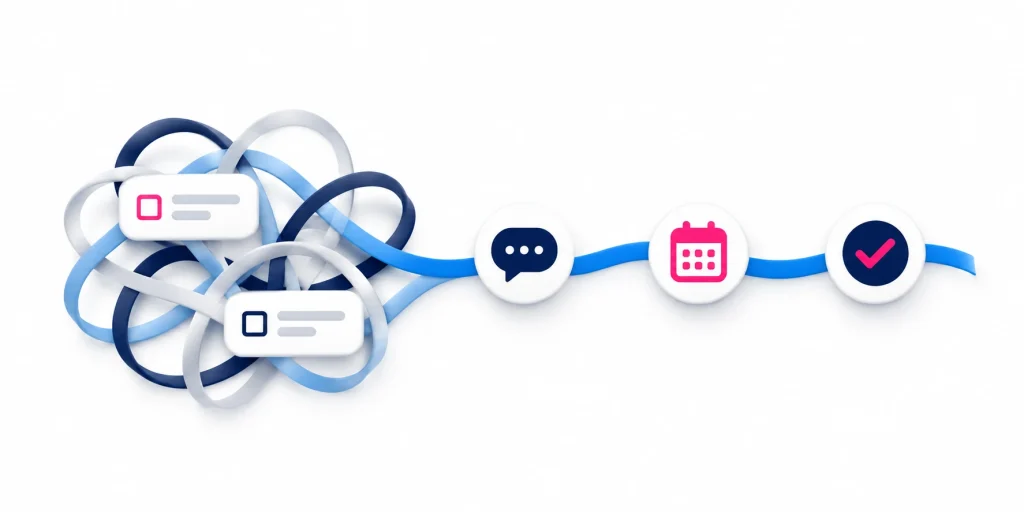

CRM implementation means setting up your customer relationship management system, preparing your data, connecting relevant tools and helping your team use it effectively.
Before launch, you need clear goals, agreed responsibilities and a tested setup. Choosing suitable software matters, but so does planning how it will work for your business.
Use this CRM implementation checklist to work through eight decisions before your new system goes live.
1. Set Clear, Measurable Goals
Start by identifying the problems your CRM should help solve and how you will measure improvement.
For example, you may want to:
Assign every new enquiry to a responsible person.
Reduce overdue customer follow-ups.
Keep customer details and conversation history together.
Prepare sales forecasts using consistent information.
Record how things work now, set realistic targets and agree when you will review progress.
Your CRM strategy should guide these decisions. Clear goals help your team prioritise useful features and avoid adding complexity without a business reason.
2. Identify Who Will Use the CRM
List the teams that will enter, maintain or use CRM information. These could include sales, marketing, customer service, delivery, administration and management.
Speak with people from each relevant team. Understand their daily tasks, the information they need and where work gets delayed when passed between teams.
Consider likely changes in staff numbers and responsibilities. This helps you plan user licences, access permissions and ongoing administration.
Appoint an internal project owner to coordinate decisions, resolve competing priorities and keep the work moving.
3. Design Around Daily Tasks and Reporting Needs
Map the main processes your CRM needs to support, such as handling enquiries, managing sales opportunities or passing new customer information to the delivery team.
For each process, agree:
What information needs to be recorded.
Who is responsible for each task.
What should happen next.
What managers need to see in reports.
Keep the setup focused. Avoid adding fields or compulsory steps without a clear purpose.
Plan reporting needs from the start. If you want to compare enquiry sources or track sales progress, your processes must capture that information consistently.
4. Budget for Implementation and Ongoing Use
Licence fees are only one part of the investment.
Your budget may also need to cover:
System setup and implementation support.
Data preparation and migration.
Integrations and connected applications.
Training and your team’s time.
Ongoing administration and support.
Check which subscription includes the features you need and what could increase costs as your business grows.
A free or entry-level plan may suit straightforward requirements. Compare its limits with your needs, including reporting, automation, integrations and exporting your data.
Agree how additional work will be approved and priced if requirements change during the project.
5. Check How People Will Access the System
Test the CRM in the situations where your team will use it.
Office-based staff may work mainly in a browser, while field salespeople may need mobile access between appointments.
Check that users can complete essential tasks, such as finding contact details, recording notes and scheduling follow-up. If they need to work without an internet connection, confirm which functions are available offline and how updates are saved when they reconnect.
Set access permissions so people can use the information they need without unnecessary access to other records or settings.
Include account security in your plan, such as multi-factor authentication, which adds a verification step when signing in.
6. Define How Other Systems Will Connect
Identify which tools need to exchange information with the CRM. These might include website forms, accounting software, customer support tools or marketing platforms.
For each connection, agree:
Which information needs to transfer.
Whether updates flow one way or both ways.
Which system holds the main version of each type of information.
How existing contacts and companies will be identified to avoid duplicates.
Who will check for errors and resolve failed transfers.
Do not assume that an available connector supports everything you need. Confirm which information and actions it supports, along with any additional subscription or setup requirements.
7. Prepare and Test Your Data Migration
Data migration means moving information from your current systems into the new CRM.
Decide which contacts, companies, sales opportunities and activity history need to move. Review duplicate records, inconsistent information, missing details and records assigned to former employees.
Agree where each piece of information belongs in the new system. Include relevant communication preferences, such as email subscriptions and opt-outs.
Run a sample migration and ask users to check the results. Confirm that records are complete, customer history is available, contacts are linked to the correct companies and permissions work as intended.
Keep a secure, recoverable copy of the original data. Plan the final transfer, including how you will handle updates made during the changeover and what you will do if significant problems arise.
8. Plan Testing, Training and Support After Launch
Build a realistic rollout plan around the work required and your team’s availability.
Ask users to test complete tasks, such as capturing an enquiry, assigning it, recording a conversation and scheduling follow-up. Include situations where information is missing, a colleague is away or a connection fails.
Provide training based on each role’s daily work, with short instructions and a clear place to ask questions. Involving users and addressing practical difficulties helps your sales team get more value from CRM.
Before launch, agree who will confirm the system is ready, how issues will be reported and who will provide support.
For a larger project, introducing the CRM to one team or process first may make the change easier to manage. Schedule a review after launch to check progress against your goals and identify further improvements.
Want More Help Planning Your CRM Implementation?
Download our free CRM Implementation Success Guide for practical guidance on setting priorities, preparing your data and helping your team adopt the new system.
How Hatchit Can Help
Hatchit helps New Zealand organisations plan, implement, integrate and improve CRM systems.
Whether you are moving beyond spreadsheets or replacing an existing platform, we can help clarify your requirements and plan the setup, data migration, integrations, testing and training.