
Fix My CRM
Get help with the CRM you already use
Bring your CRM issues to a 20-minute call with Hatchit. We’ll talk through what’s happening and help you work out what to tackle first.
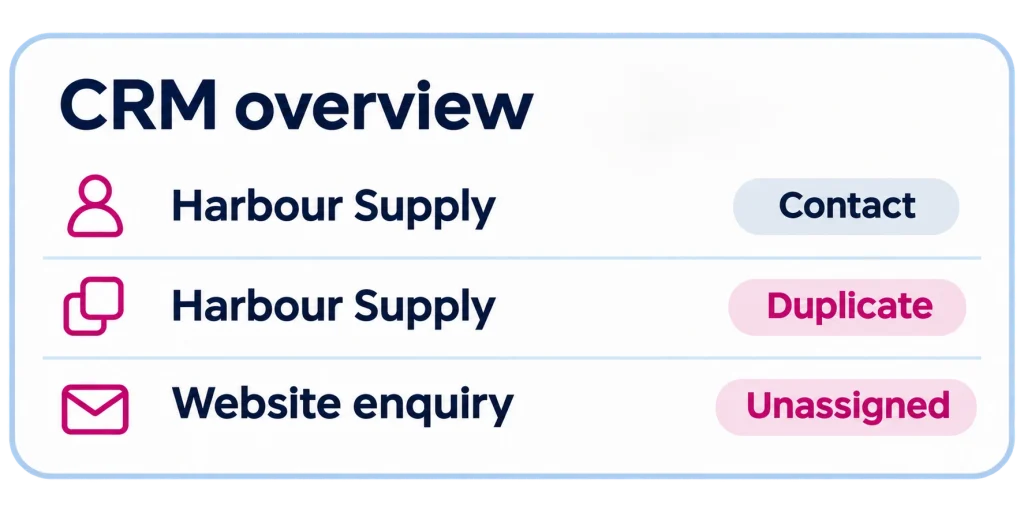
What’s getting in the way?
Choose the issue that best matches what you’re seeing.
A question to help you prepare
Where does the problem show up most often: adding contacts, importing lists or syncing records?
A question to help you prepare
Which part of the job do people still handle in email, spreadsheets or their own notes?
A question to help you prepare
Where does the follow-up usually slip: when an enquiry arrives, after a quote goes out or during a handover?
A question to help you prepare
Which number is hardest to trust, and how does your team check it today?
A question to help you prepare
Which two systems are involved, and what information should pass between them?
A question to help you prepare
What were you trying to do in the CRM the last time you got stuck?
Need hands-on help?
If your CRM needs more work after the call, Hatchit can put together a Rescue Package for your existing setup. We’ll agree with you on what to tackle first.
What the Rescue Package can cover
- Clean up duplicate records and fill gaps in customer data
- Help your team use the CRM consistently
- Fix how enquiries are assigned and followed up
- Review reports and correct the figures they pull through
- Fix integrations that pass data between your CRM and other systems
Book your 20-minute CRM call
Choose a time that suits you. Tell us which CRM you use and what you’d like to discuss so we can prepare for the call.
Frequently Asked Questions
Can I book a call for any CRM?
Yes. Tell us which CRM you use when you book so we can prepare for the call.
What if I don’t know what’s causing the issue?
Just describe what you’re seeing. A recent example, like a contact that keeps appearing twice or a report that doesn’t add up, is enough to get started.
What if we have more than one CRM issue?
Yes, bring any CRM issues you’d like to discuss. We’ll use the call to understand what’s happening and work out what to tackle first.
Do I need to give Hatchit access to our CRM?
You can talk us through an example on the call. If a closer review would help, we’ll discuss what access is needed separately.
What should I have ready for the call?
Have the name of your CRM and one recent example of the issue handy. For example, if a website enquiry went unanswered, tell us what happened and who would normally follow it up. A brief description is enough to get started.