Chatbot Consulting, Implementation & Integration in New Zealand

Answer Customer Questions Faster | Capture Sales Enquiries | Reduce Repetitive Support Work


Considering a chatbot or improving an existing one? Make it easier for customers to find answers and reach the right person. Hatchit helps you select, set up and connect chatbot software with your website, CRM and support systems, with clear handovers when your team needs to step in.

New Zealand-Based Consultants
Independent Platform Advice
Implementation & Integration
Supporting 200+ NZ Organisations

Chatbot Platforms We Work With

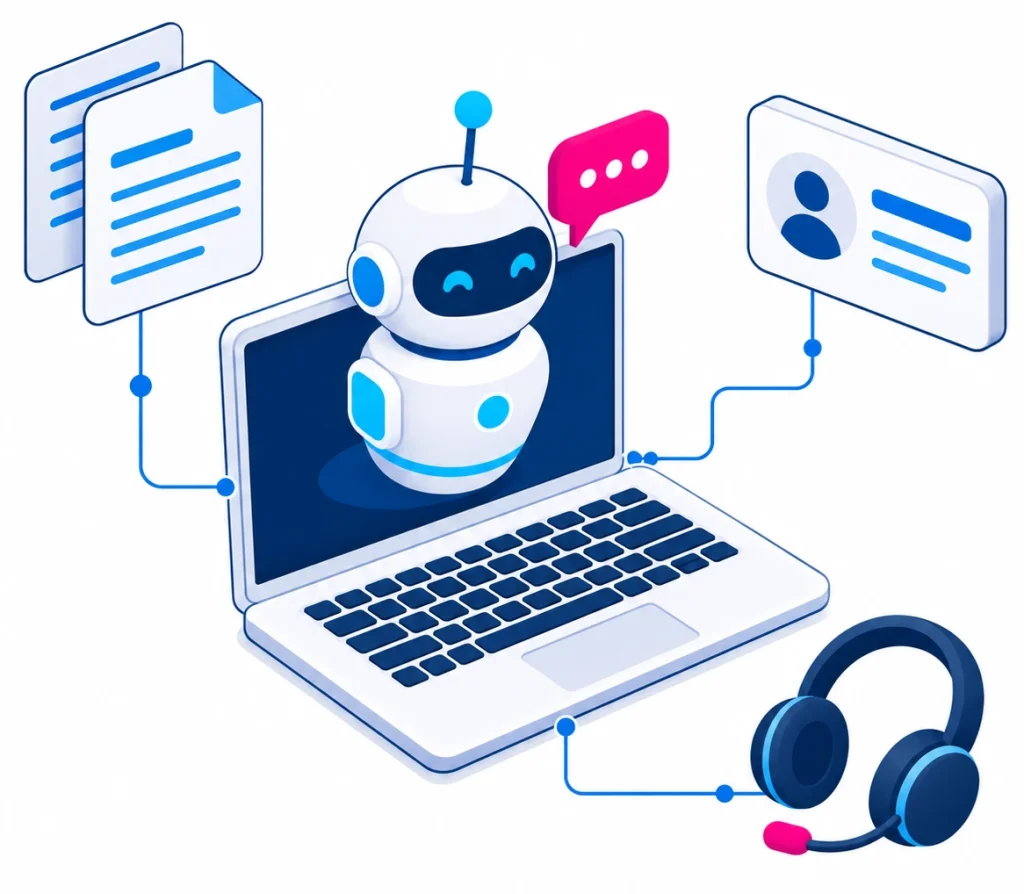
Chatbot on a laptop connected to business documents, customer records and support tools.

Help Customers Find Answers and Reach Your Team

Customers need an easy way to ask questions, find information or contact the right person. Your team needs context to respond without asking them to repeat their enquiry.

A chatbot can answer common questions, collect relevant details and guide visitors towards a useful next step. For sales enquiries, it can ask about the visitor’s requirements before passing the conversation to your team.

Website Enquiries • Lead Qualification • Customer Support • Staff Handovers

How We Can Help

Hatchit supports new chatbot projects and improvements to existing setups.

We review the questions your customers ask and the processes behind them. From there, we prepare conversation flows, organise approved content and configure integrations or custom workflows where needed.

Before launch, we test answers, enquiry capture and handovers. We also train your team to manage conversations and keep the content up to date.

Requirements & Selection • Conversation Design • Setup & Configuration • Integration • Testing & Training • Support

What a Better Chatbot Setup Can Deliver

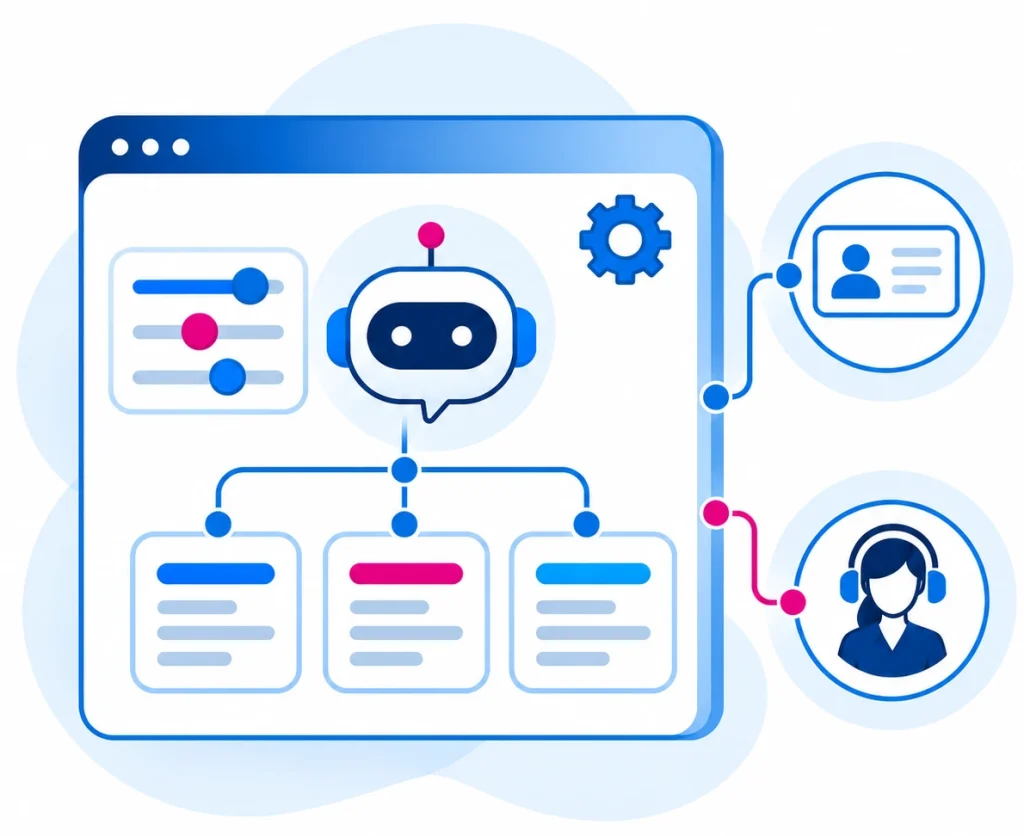
Chatbot configuration panel connected to customer records and human support.
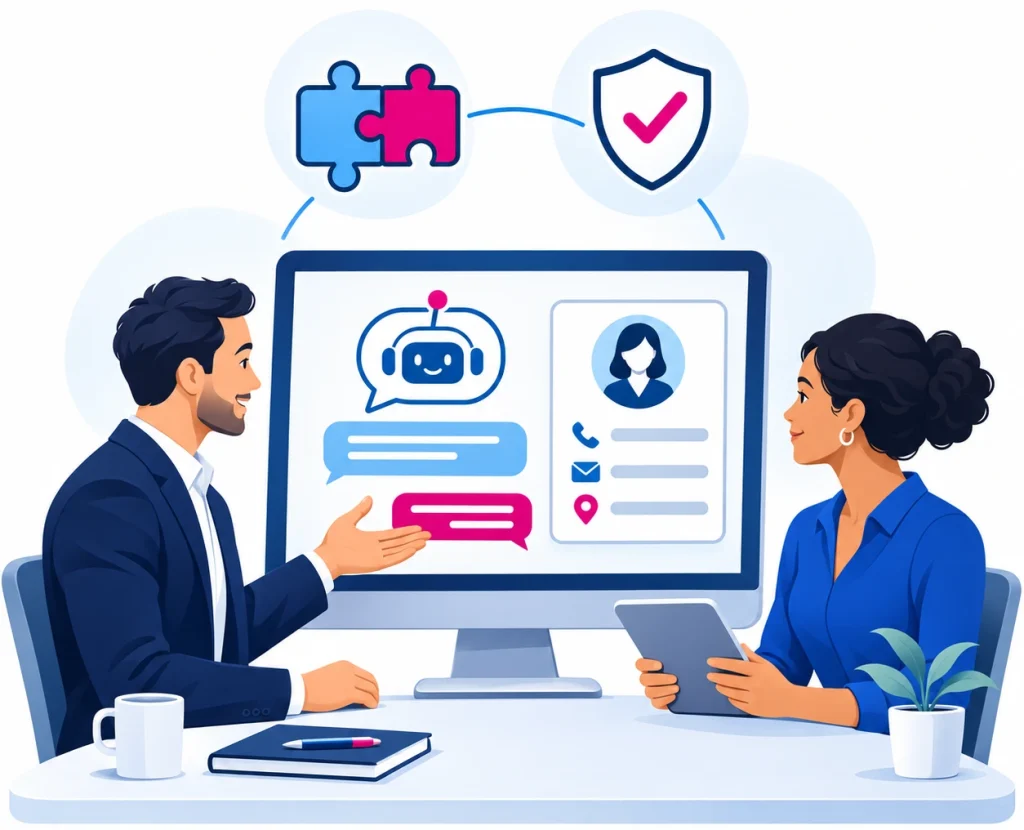
Consultant and client reviewing chatbot conversations and customer information together

Why Work With Hatchit?

We consider how a chatbot will fit your customer experience, staff responsibilities and existing software.

Independent Advice

Assess suitable options against your requirements and budget, including capabilities within systems you already use.

Practical Configuration

Set clear boundaries for what the chatbot should answer, what information it should collect and when a person should step in.

Connected Systems

Bring enquiry details into the customer records, support requests and follow-up processes your team relies on.

Ongoing Support & Optimisation

Keep your chatbot useful with content updates, conversation improvements and support as your needs change.

Frequently Asked Questions

Can a chatbot work with our existing website and CRM?

Many platforms support website installation and CRM connections. We check compatibility with your current systems before recommending a setup.

Useful starting points include common customer questions, service information and help articles. We help identify gaps and prepare content for the chatbot.

Yes. We can configure staff handovers or collect contact details for follow-up when your team is unavailable.

We define approved content, conversation rules and topics that need staff involvement. AI-generated answers can still be incorrect, so testing and regular reviews are part of maintaining the setup.

We review what information is collected, where it is stored and who can access it. The available controls depend on the platform and your organisation’s requirements.

This depends on the platform, content, integrations and testing required. We agree on the scope before implementation and explain any ongoing subscription or usage charges.

We can train your team to update content and manage conversations, with ongoing support available according to the agreed scope.

Let’s Talk About Your Chatbot Needs

Planning a chatbot or reviewing your current setup? Tell us which systems you use and where customers or staff need a better experience. Our New Zealand-based team will help you assess the options and agree on a practical next step.

Selection • Setup • Content • Integration • Training • Support

Related Guides & Resources

Hatchit- resource and guide

What’s Your Next Step With CRM?​

Hatchit- resource and guide

Too Much Chasing, Copying and Manual Work?