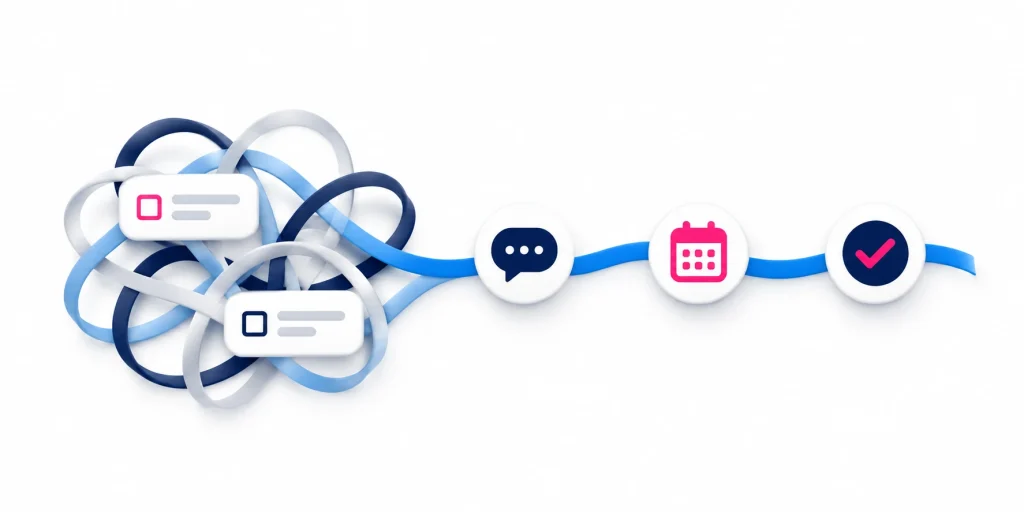
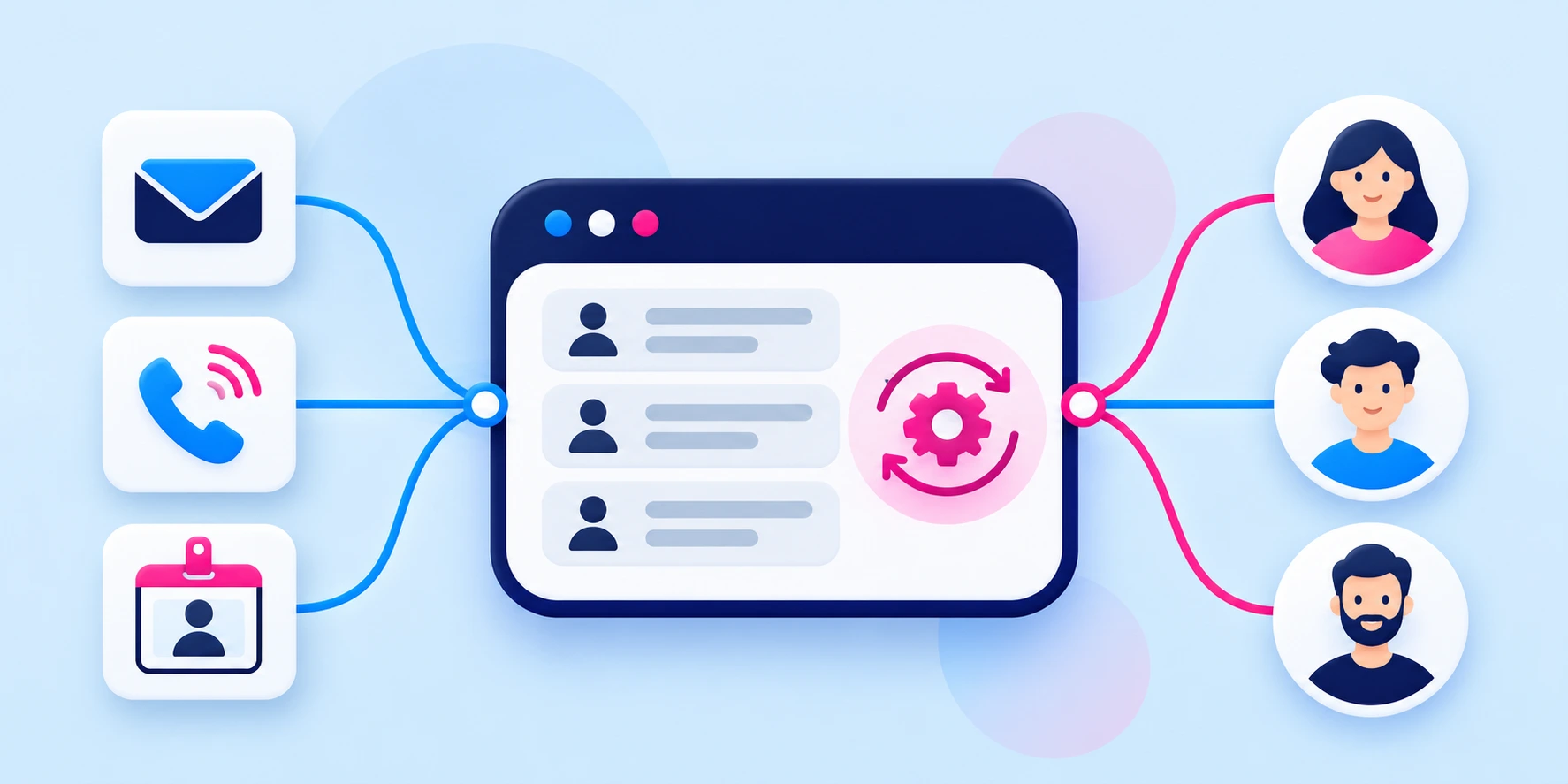
Lead management automation uses CRM workflows to capture enquiries, assign responsibility and prompt the next action. It helps your team respond consistently without relying on separate inboxes, handwritten notes or memory.
Five useful tasks to automate are enquiry acknowledgements, lead assignment, callback reminders, event follow-up tasks and resource delivery.
These workflows support your team’s work. People still need to assess enquiries, answer questions and manage customer conversations.
1. Acknowledge New Enquiries
An automated acknowledgement lets someone know their message has reached your business.
Keep it relevant to the request. A demonstration enquiry might receive information about the next step, while a support request may need directions to the customer service team.
Your message could include:
Confirmation that the enquiry was received.
What will happen next.
A realistic response timeframe.
An alternative contact method for urgent requests, where available.
Avoid promising an immediate personal response if your team cannot provide one. An acknowledgement confirms receipt; someone still needs to review the enquiry and respond.
Check that the message is delivered correctly and that replies reach a monitored inbox.
2. Assign Enquiries to the Right Person
Every enquiry needs someone responsible for reviewing it and taking the next step.
Your CRM may support assignment rules based on the service requested, location, existing account owner or team availability.
For example, a website enquiry about implementation could go to the relevant consultant, while an existing customer’s support request goes to the support team.
Phone enquiries need a clear process too. Give the people taking messages an appropriate way to record contact details, the reason for the call and any requested callback time.
Designate a person or team to handle enquiries that do not match an assignment rule. Agree what happens when the assigned person is away or an enquiry remains unanswered beyond your response target.
3. Schedule Follow-Up After an Unanswered Call
When a call goes unanswered, recording the outcome in your CRM can create a callback task with an owner and due date.
This gives the salesperson a clear next action without maintaining a separate reminder list.
Where appropriate, the workflow could also prepare a short email explaining why you called and how the person can reach you. Whether to send it should depend on the conversation history and the contact’s communication preferences.
Respect any timing already agreed. Someone who requested a call next week should not continue receiving daily messages.
Set follow-up limits and close or update outstanding tasks when the person responds, declines or asks not to be contacted.
4. Follow Up With People You Meet at Events
Events and conferences can lead to useful conversations, but the details are easy to lose afterwards.
Record where you met, what you discussed and the follow-up the person requested or agreed to. An event name or source field can help your team find these contacts later.
Your CRM could then create a task to send promised information or arrange another conversation.
For example, if someone asks for a case study, record that request and assign a task to send it. A message template can help, but review it for relevance before sending.
Meeting someone or receiving a business card should not automatically place them in every marketing sequence. Keep communication preferences consistent across connected tools and make the next step appropriate to the interaction.
5. Deliver Requested Guides and Resources
If someone requests a guide, checklist or report, automation can deliver it without your team manually sending each copy.
A connected form can record the request, send the resource and identify which content prompted the interaction.
Keep the process straightforward. Ask for information relevant to the request, explain what the person will receive and test that the download link works.
Separate delivery of the requested resource from optional ongoing marketing. A download does not automatically mean someone wants a sales call or is ready to buy.
Recording the source in your CRM also helps you assess which resources lead to relevant conversations and qualified opportunities. Download numbers alone do not tell you whether a resource is generating suitable enquiries.
Test the Complete Enquiry Process
Available features depend on your CRM, subscription and connected tools. Some workflows require additional configuration or integration.
Test the journey from the initial interaction through to your team’s response. Include situations where:
The contact already exists in your CRM.
Required information is missing.
An assignment rule does not find an owner.
The responsible person is unavailable.
The contact replies before a scheduled follow-up.
A connection between systems fails.
Give someone responsibility for checking errors and outstanding enquiries. Useful measures include unassigned records, overdue callbacks and the time taken for your team to respond personally.
Start with one workflow, confirm that it works and then build on it.
How Hatchit Can Help
If enquiries are sitting in inboxes, ownership is unclear or callbacks are being missed, Hatchit can help review the process.
We help New Zealand organisations connect enquiry forms and business systems, configure CRM assignment rules and improve follow-up workflows.
Whether you want to improve an existing setup or introduce automation for the first time, we can help identify a practical starting point.